


January 25, 2024
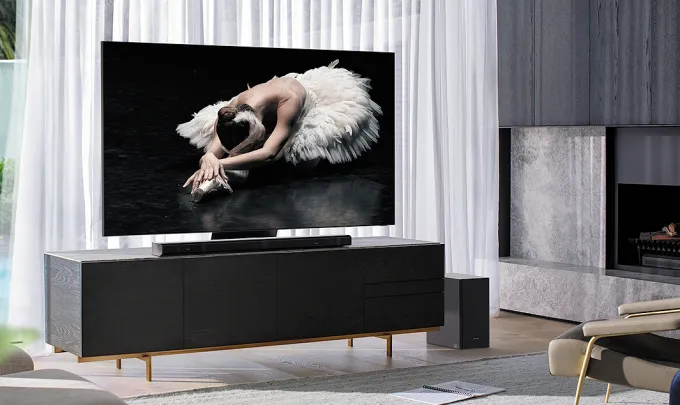
No remote? No problem! For those times when you can’t find the remote, SmartThings lets you control your Samsung TV with your voice using a smart speaker or smartphone. Just start with “Hey Google”.
Turn the TV on or off
Have you ever fallen asleep whilst watching TV and woken up with no clue where the remote is? With SmartThings, you can turn the TV off by simply saying “Hey Google, turn off the TV”*.
Pause and Play video or music from your favourite TV apps
Perfect for when the doorbell goes or your phone rings. Just say “Hey Google, pause on TV”* and when you’re ready to resume, just say “Hey Google, play on TV”*.
Other things to try
∙ “Hey Google, mute the TV”*
∙ “Hey Google, is the TV on?”*
∙ “Hey Google, run Movie Mode”* (or any other scenes you have created within the SmartThings app)